Versions and the trash bin
Restore older versions of a file and deleted files in Rostdav, and learn what is kept and for how long.
Versions
When you overwrite a file, Rostdav keeps the previous content as a version. This works for changes made in the browser and in the apps.
Open a file's details panel and choose Versions. The list shows each version with its date and size. Restore makes an old version the current one; the replaced content becomes a version itself, so nothing is lost by restoring. Delete removes one version.
How many versions are kept, and for how long, is set by your administrator (by default up to 50 per file and 365 days, and not more than half of your quota). Older versions count toward your storage. If versioning is switched off on your server, the page says so.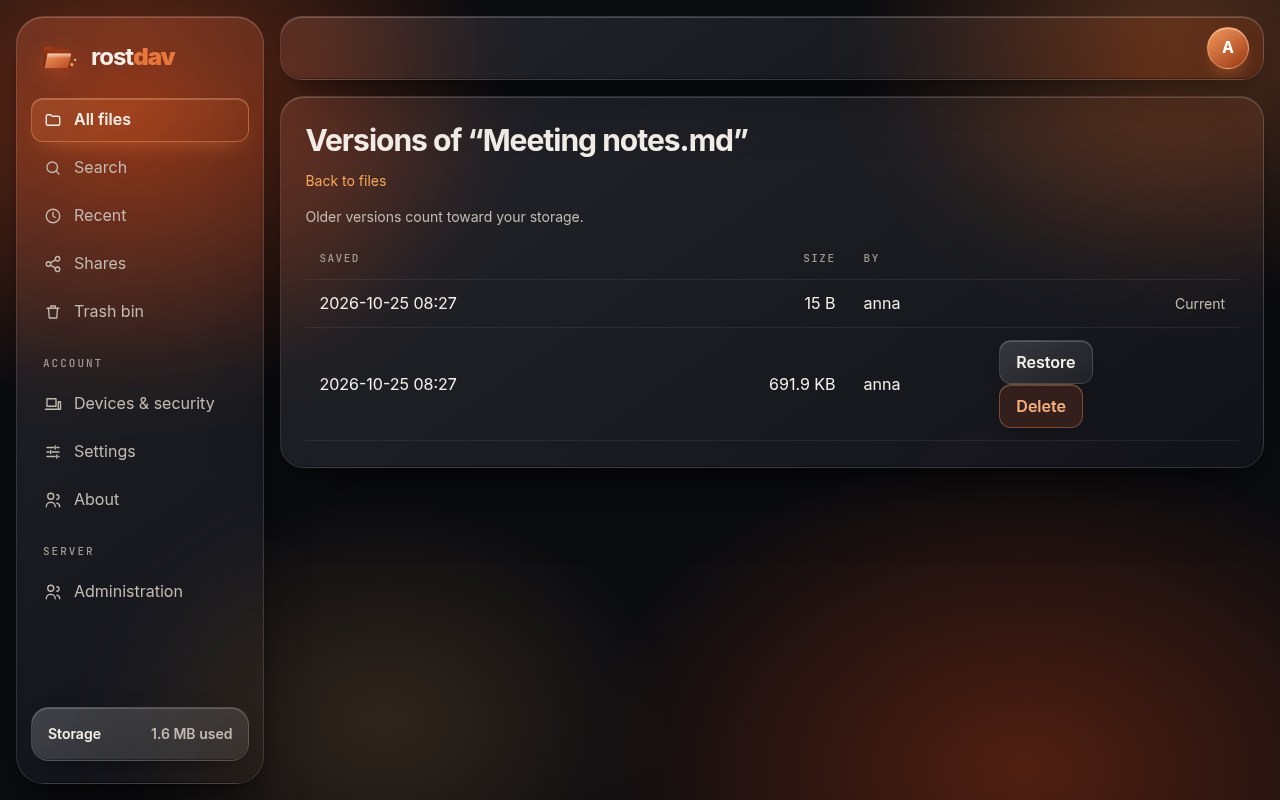
Trash bin
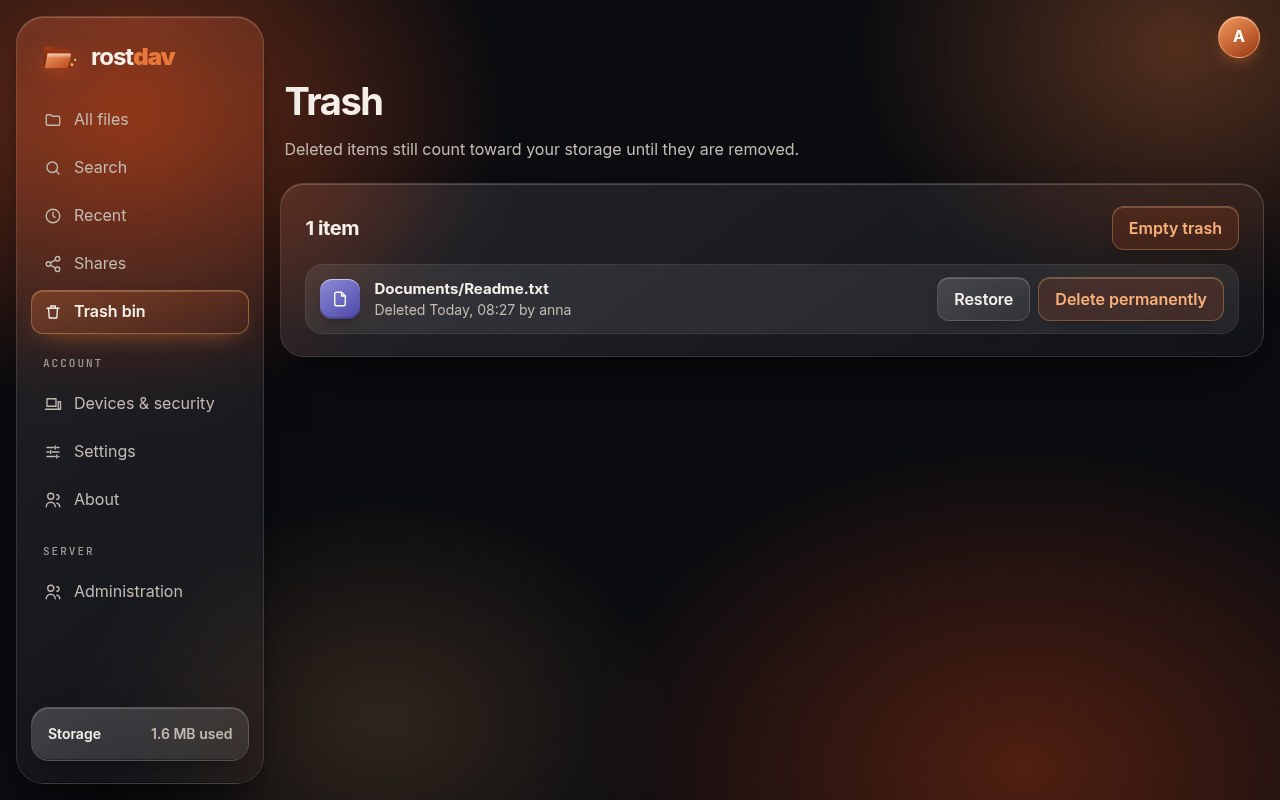
Deleting a file or folder moves it to the Trash bin. For each item it shows where it was and when and by whom it was deleted.
- Restore puts it back where it was. If its old folder is gone, it goes to your top folder. If the name is taken, the restored item gets a suffix such as
report (restored).txt. Its versions and shares come back with it. - Delete permanently removes it for good.
- Empty trash removes everything in the trash after a confirmation.
Items are removed automatically after the retention time set by your administrator (30 days by default). The space of items in the trash counts toward your quota until they are gone.