
Account and security
Change your password, set up two-factor sign-in and recovery codes, manage devices, choose a profile picture and export your data.
Profile and picture
Under Settings you can change your display name and the e-mail address used for notifications, and choose your language and theme.
For a profile picture, choose or drop any image on the picture card. The browser crops it to a square, shrinks it and converts it so that it fits what the server stores (PNG or JPEG, up to 256 KiB). A preview shows the result before you save. The picture appears in the round icon at the top right and in the Nextcloud apps. Remove returns to your initial.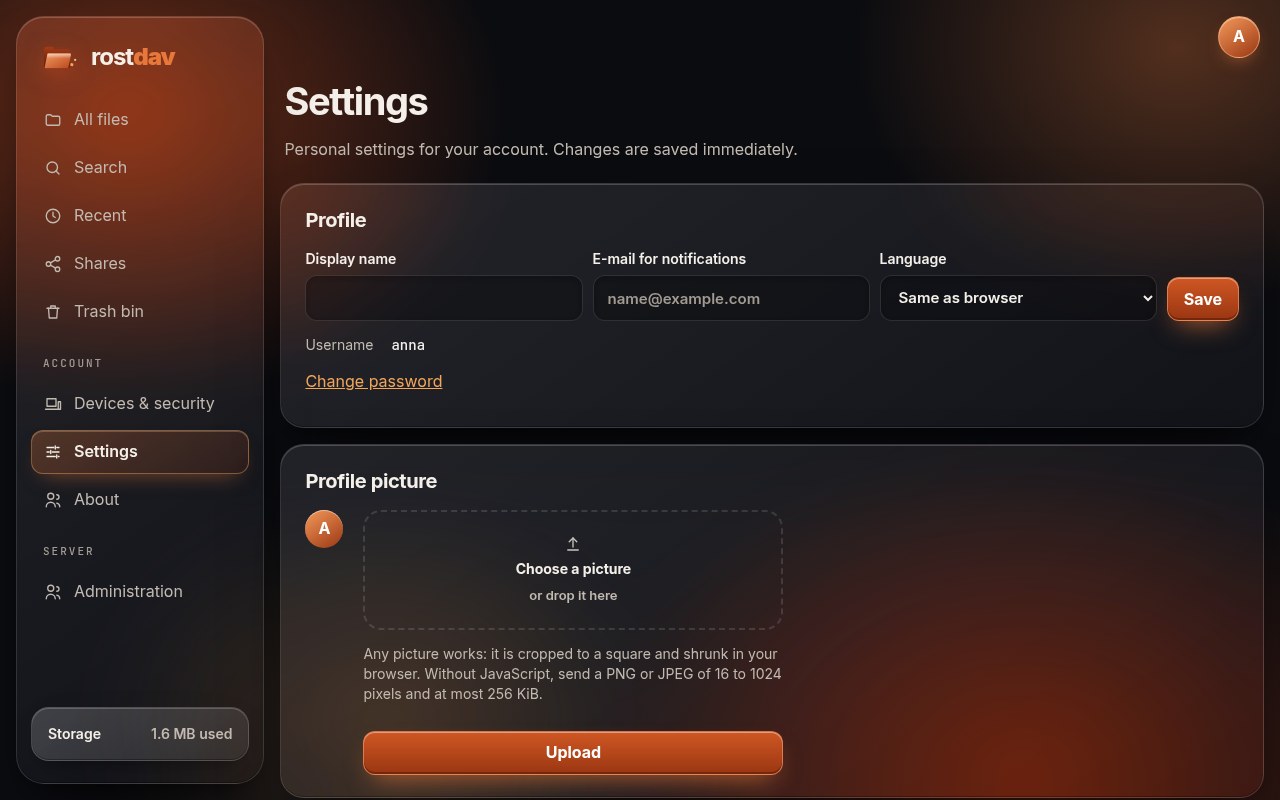
Change your password
Settings → Change password asks for the current password and the new one (at least 10 characters). It signs you out of your other browsers; connected apps keep working because they use their own app passwords.
Two-factor sign-in
Two-factor authentication (TOTP) adds a code from an authenticator app to the password.
- Under Settings, choose Turn on for two-factor sign-in.
- Scan the QR code with an authenticator app. If you cannot scan, enter the key shown below the code.
- Enter the code from the app to confirm. Rostdav then shows your recovery codes. Save them somewhere safe: each works once, and they are the way in if you lose the phone.
From then on sign-in asks for the code in a second step. The apps and WebDAV clients use their own app passwords; your account password no longer works for them while two-factor is on.
If you lose both the authenticator and the recovery codes, an administrator can reset your two-factor setting.
Devices
Devices & security lists the connected apps and the browsers you are signed in with. Revoke what you do not recognise, or sign out all other browsers.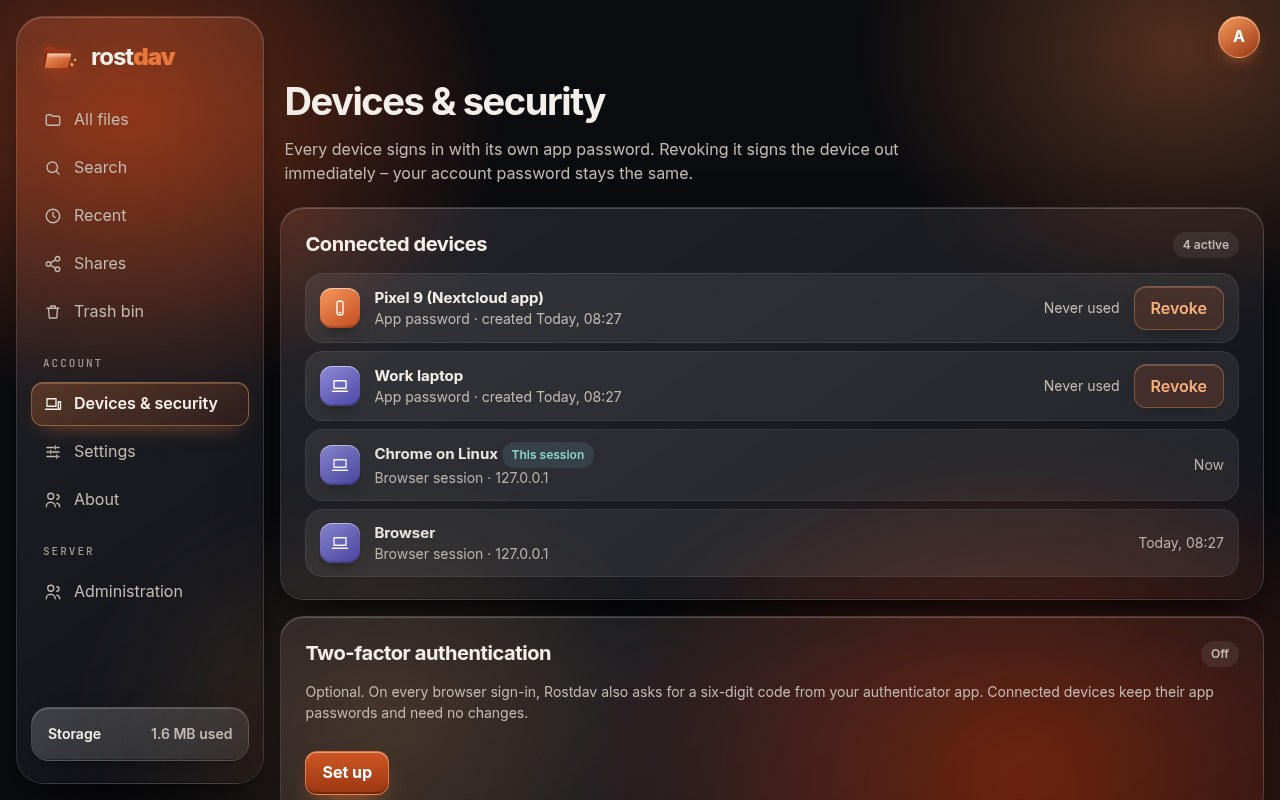
Export your data
Settings → Export your data downloads a tar archive of your own files. It does not include files shared with you, older versions or the trash.
About and release notes
About shows the version of the server, its licence and the release notes of every version, newest first. The notes are in English.