
Administrator guide
Install, configure, back up, upgrade and watch a Rostdav server.
Rostdav is one program with one data folder. It does not terminate TLS itself: you run it behind a reverse proxy that does.
Start with the installation guide. The administration reference covers roles, the rostdav admin command line, settings, retention and the event log. How each part is secured is in the security concept.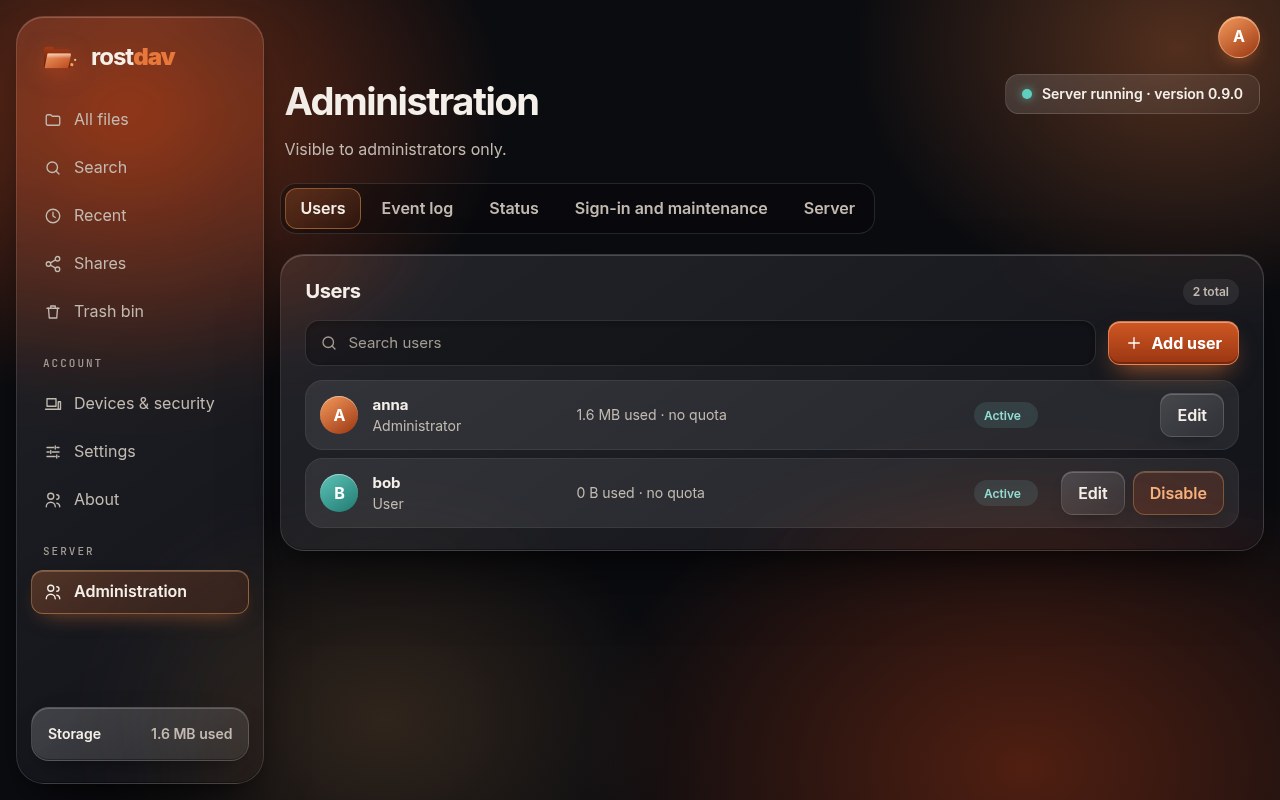
In the web interface, administrators have an Administration area with users, the event log, status and a consistency check, sign-in and maintenance mode, and the server settings (including adjustable limits and the optional version check).
- Installation and operationInstall Rostdav from the released binary, the container image or source, run it behind a reverse proxy, back it up, restore it and upgrade it.
- AdministrationRoles, the rostdav admin command line, settings and their precedence, retention, two-factor authentication and the event log.